Configuration Instructions
Configuration Instructions
1. System and App Settings
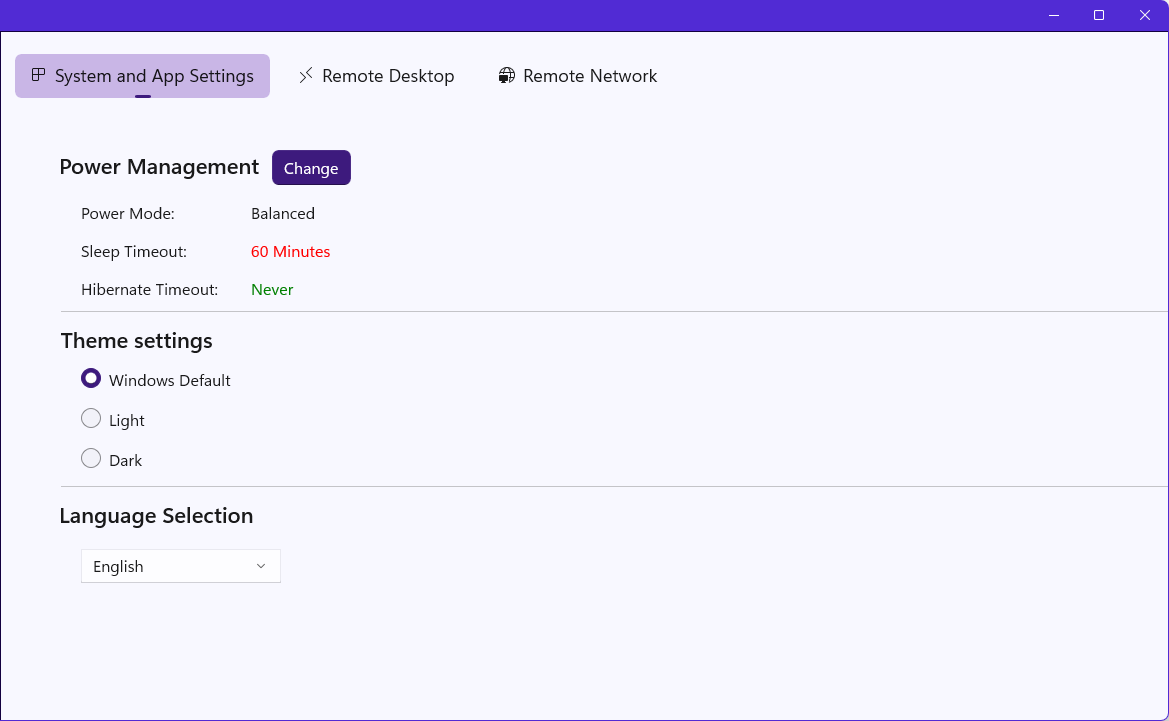
The system App settings provide basic sleep mode configurations, theme options, and language selection;
2. Remote Desktop Settings
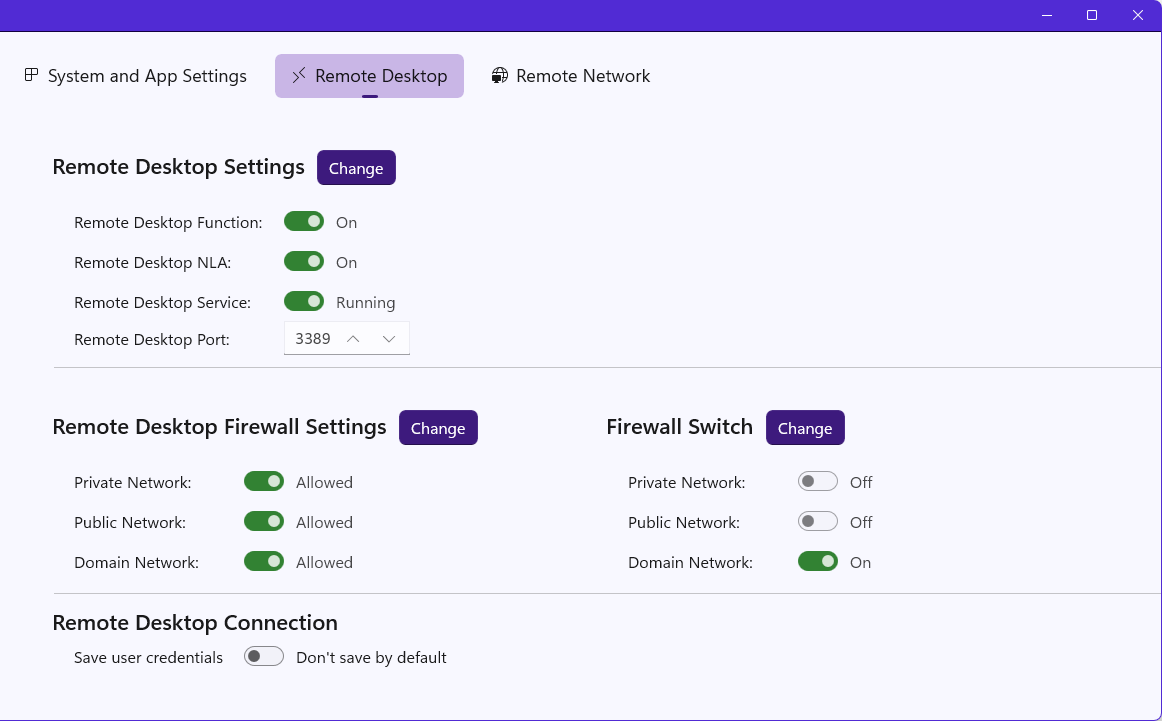
Remote desktop settings primarily include the configuration of the remote desktop itself, firewall controls for remote desktop, and remote desktop connection settings
Remote Desktop: Click "Change" to open the system settings panel for enabling or disabling remote desktop;
Firewall: Open the system control panel to determine whether to allow remote desktop access through the firewall;
Remote Desktop Connection: User credentials refer to the credentials for your remote computer. Once saved, you won't need to re-enter the password when connecting to this computer next time. By default, user credentials are stored in the Windows Credential Manager, so you can rest assured about security. However, avoid saving them on public computers.
3. Remote Network Configuration
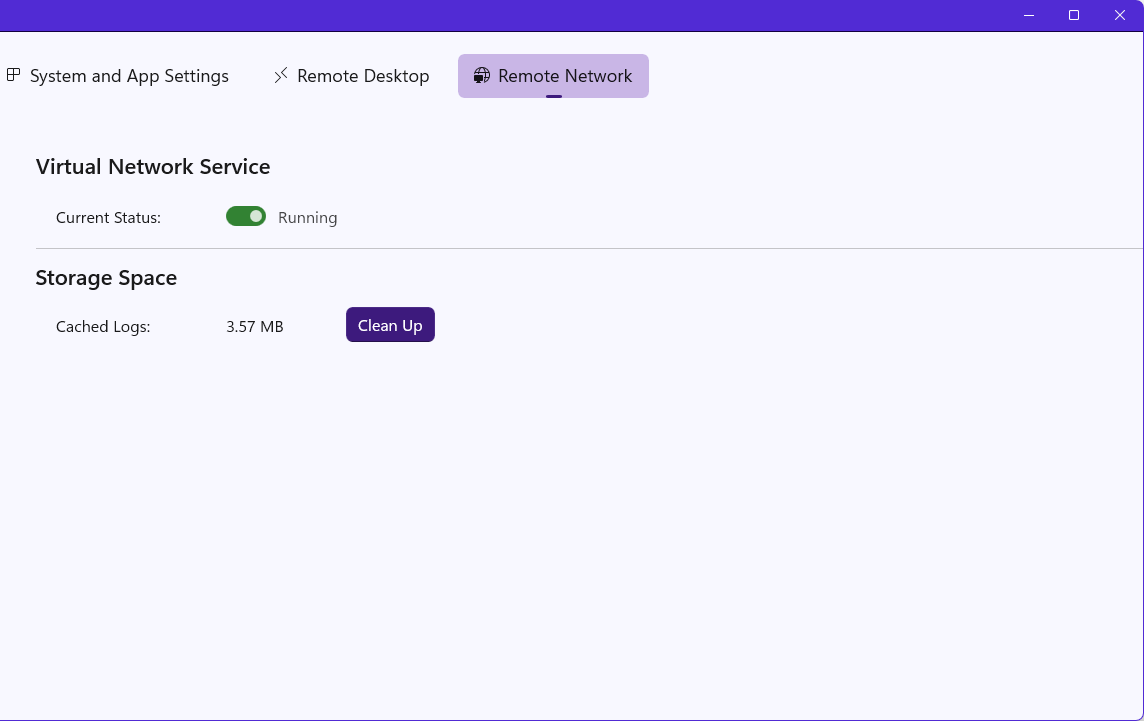
The remote network settings primarily indicate whether the dependent services of X9 Window are running. If not, you can resolve the issue by reinstalling X9 Window.